 LetsVPN
Start with the right download
Check the app name and device requirements before installing. After connecting, test the service you actually need.
- Choose the right platform
- Record your app version
- Check both network and app status
 Download and setup guide
Find the LetsVPN download guide for your device. Follow installation steps, check connection issues and review current terms before choosing a plan.
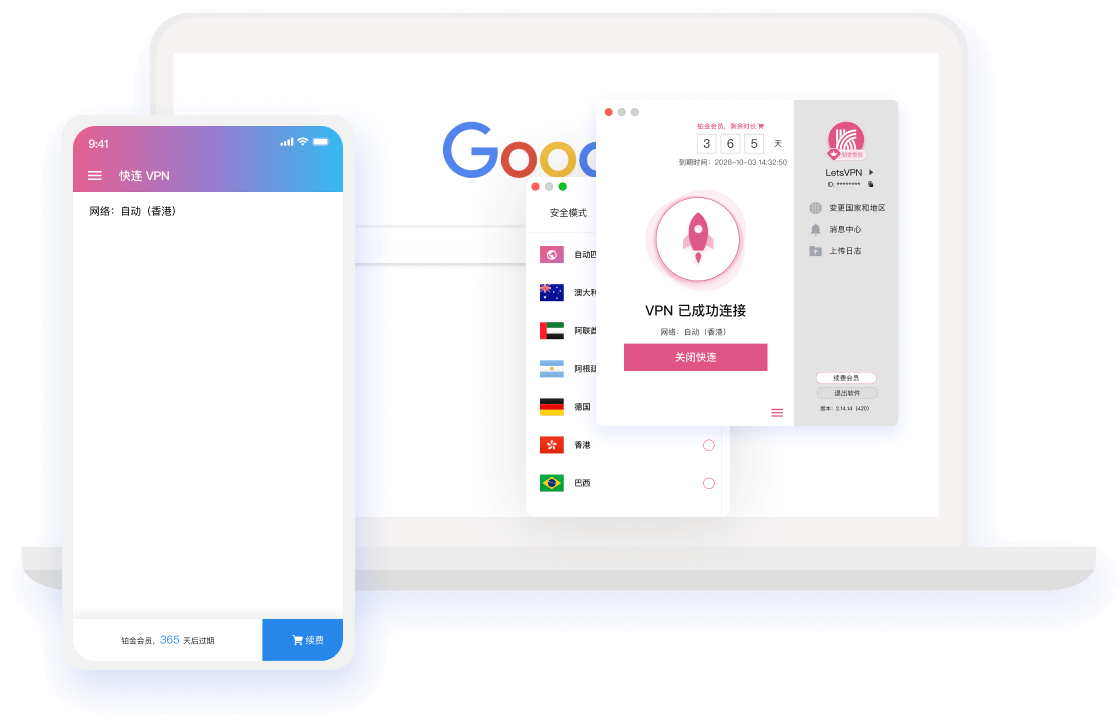
Explore installation, connections and account settings for your device and needs.
Follow the current app interface, then check whether the service you need works after connecting.
Review the developer, permissions and privacy policy. Marketing claims are not an independent security audit.
Check current options in the app. If a connection fails, check your network and app version first.
Read the computer and mobile guides separately. Device limits depend on the current plan.
Video, meetings and browsing have different needs. Check data limits and restrictions before buying.
Record errors, app versions and network details, then use in-app support to confirm the next steps.
Check the app name and device requirements before installing. After connecting, test the service you actually need.

Review permissions, account rules and privacy information. Never share passwords or verification codes with unfamiliar sites.
The preview illustrates a workflow; the current app may look or work differently.
These are examples of location names, not a live server inventory or availability guarantee. Check the app and test with your own network.


Choose a platform and check current system requirements. Account benefits depend on the provider.
Plans, currencies, renewals and refunds may change. Check the actual in-app order before paying; no unverified prices are listed here.
Practical suggestions, not user testimonials or measured performance results.
Choose the correct platform and verify the source, version and system requirements before running an installer.
Compare connection status on your networks and record errors. One speed test does not establish long-term performance.
Review the plan period, device allowance and renewal terms. Keep order details for future reference.
Use these answers as a starting point; current product rules come from the provider.
Choose your platform and check installation requirements first.