Check trial terms in the app
LetsVPNLetsVPN
Home Download Pricing Blog Help Referral

DownloadLetsVPN VPN
macOS Version

Check current OS and processor requirements at the distribution source. Client version and signature have not been independently verified here.
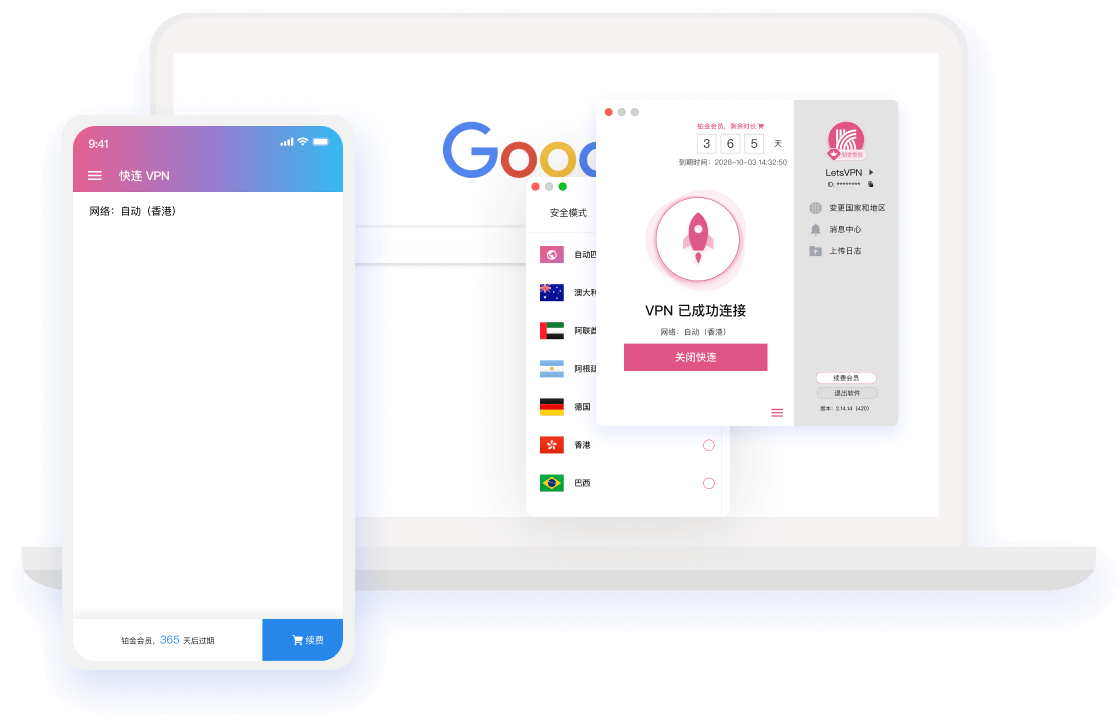
  • Connect in 3 seconds, with smart matching to the fastest node
  • 256-bit encryption and zero-log privacy protection
  • 2000+ global nodes, unlimited data and no speed limits

Check current OS and processor requirements at the distribution source. Client version and signature have not been independently verified here.

LetsVPN VPN macOS Client
Windows macOS Android iOS Linux (no verified download)
Installation

Start with the right download

Check current OS and processor requirements at the distribution source. Client version and signature have not been independently verified here.

1

Check the source

Verify the destination, publisher, version and system requirements. Stop and investigate security warnings.

2

Follow installation steps

Once the source is verified, follow instructions for the current version without bypassing system protection.

3

Test the connection

Check the app and account state, test the service you need and record any error for troubleshooting.

Platform downloads

Find the guide for your device

Choose a platform and check current system requirements. Account benefits depend on the provider.

Help center

Frequently asked questions

Use these answers as a starting point; current product rules come from the provider.

Check the current minimum macOS version and processor requirements at the distribution source. A file extension does not prove support for both Intel and Apple silicon.
Stop opening the file and verify its publisher and source with the provider. Do not remove quarantine attributes or bypass system checks without establishing trust.
Record the current version and errors and confirm compatibility. Follow verified installation instructions. Launching at login is not a required fix for a failed connection.
Check the current plan details or account screen for device limits. Do not rely on outdated promotional figures when buying.

Ready to get started?

Choose your platform and check installation requirements first.

This site uses cookies to improve your browsing experience.